

HAZECO Online Bill Check
Hazara Electric Supply Company
Separated from PESCO in 2023, serving around 800,000 consumers. Enter your 14-digit reference number to check your HAZECO online bill and view, download or print your HAZECO duplicate bill instantly — no login or signup needed.
Check Your HAZECO Bill
Enter your updated reference number to view your bill.
Independent service · not affiliated with HAZECO or PITC · no bill data is stored
Old PESCO Number Not Working?
For most consumers, your old PESCO reference number carries over unchanged. But for some accounts, the middle 5-digit Sub-Division (SDIV) code was updated when HAZECO took over billing — for example 08-26735-0121483 became 08-27224-0121483. If your reference number returns ‘no record found’ above, convert it first.
How to Check Your HAZECO Bill Online
Three quick steps — no login or signup needed.
STEP 1
Find Your Reference Number
Your 14-digit reference number is printed in the top corner of your latest HAZECO bill — not the older account number.
STEP 2
Enter It Above
Type it into the checker above and press Check Bill — no account needed.
STEP 3
View & Download
Your bill loads in seconds with the amount due and due date, plus a PDF copy to save or print.
Download Your HAZECO Duplicate Bill
Lost your paper bill, or it never arrived? Enter your 14-digit reference number in the checker at the top of this page to open your HAZECO online bill, then download or print a duplicate copy. A duplicate HAZECO bill shows the same amount, due date and charges as the original, so you can use it to pay at a bank, through a mobile wallet or at a post office. If this month’s bill does not show yet, it usually appears a few days after your meter is read.
HAZECO Service Areas
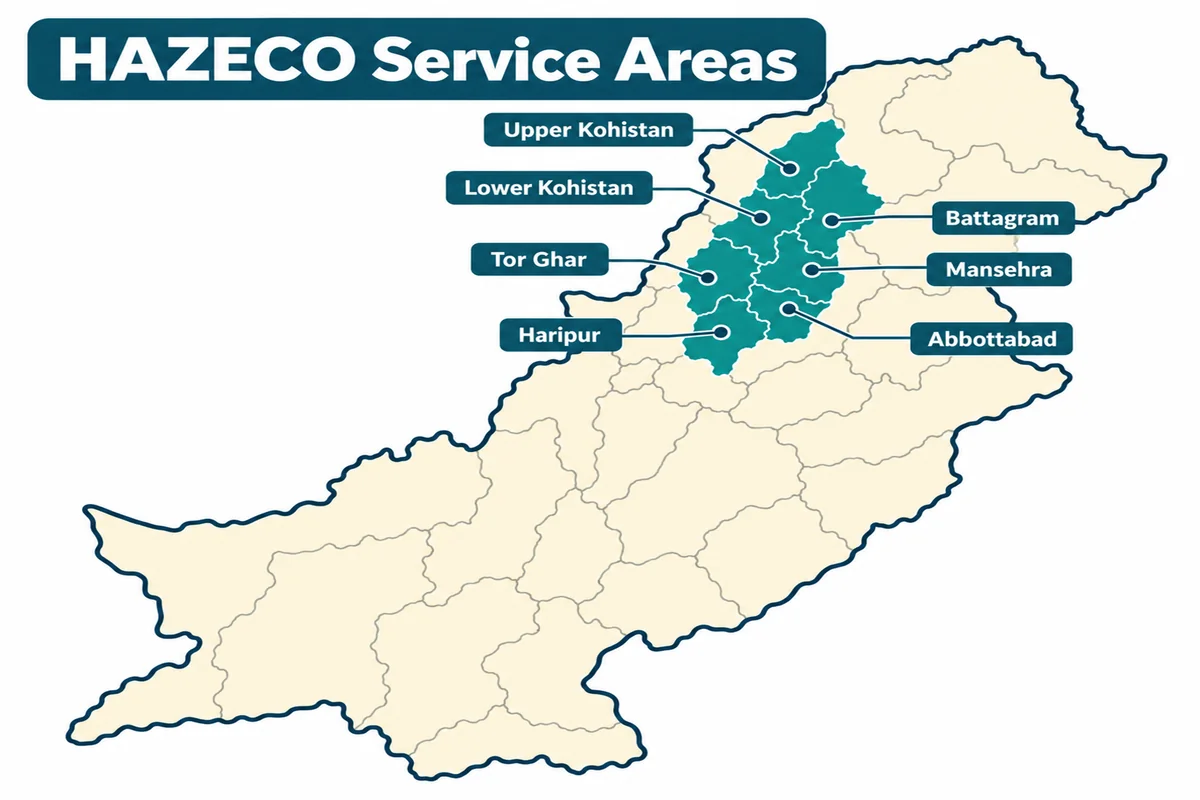
HAZECO operates through two circles covering the full Hazara Division:
| Circle | Districts Covered |
|---|---|
| Hazara-I | Abbottabad, Haripur |
| Hazara-II | Mansehra, Battagram, Tor Ghar, Upper & Lower Kohistan |
Note: if you live in Peshawar, Mardan or another non-Hazara district of KP, your bill is issued by PESCO, not HAZECO. If your bill shows a merged tribal district, use the TESCO checker instead.
More Free Tools
Estimate, track and verify your electricity bill.
How to Pay Your HAZECO Bill
HAZECO bills can be paid through JazzCash, EasyPaisa, NayaPay and other mobile wallets, through internet banking or bank apps (HBL, UBL, NBP and others), by scanning the QR code printed on your bill, at any bank branch, ATM, Pakistan Post Office counter, or NADRA e-Sahulat centre. Paying via NBP or another 1Link-enabled app? Add the prefix 102430 before your 14-digit reference number. Always pay before the due date to avoid a late surcharge.
HAZECO Helpline & Contact
| Channel | Details |
|---|---|
| Helpline | 118 |
| SMS / WhatsApp Complaint | Send your reference number and complaint to 8118 |
| Head Office | Gulistan Colony, Abbottabad (opp. Govt. Post Graduate College No. 1) — Tel: 0992-383024 |
| Hazara-I Circle (Abbottabad, Haripur) | 0992-930020 — SE: Muhammad Rashid, 0992-921404 |
| Hazara-II Circle (Mansehra, Battagram, Tor Ghar, Kohistan) | 0992-930100 — SE: Muhammad Tariq, 0370-1340007 |
Frequently Asked Questions — HAZECO Bill
From the blog
Guides for HAZECO consumers
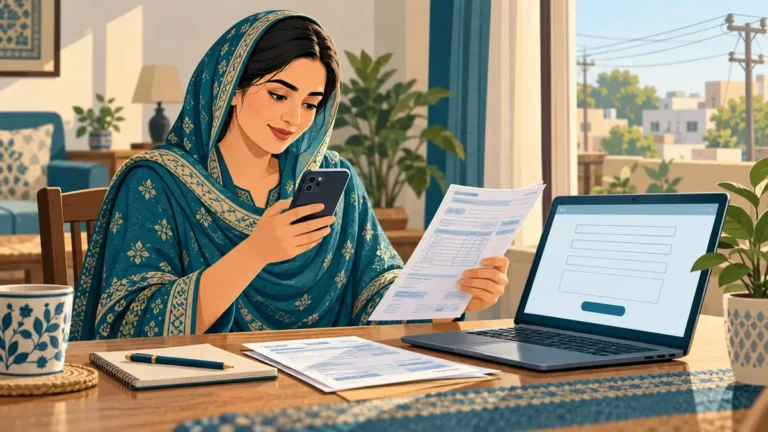
How to File an Electricity Billing Complaint
Five ways to register a complaint with your DISCO — and what to do if the first attempt doesn't get a response.

13 Practical Energy Saving Tips to Lower Your Electricity Bill
You don't need an expensive solar system or a dark house — understanding how your bill is calculated and adjusting daily habits can meaningfully cut your…
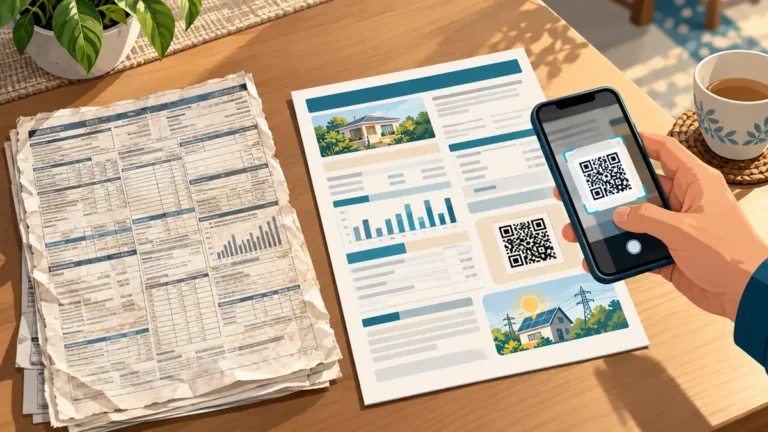
Government Introduces New Electricity Bill Format Across All DISCOs (2026 Guide)
What changed in the redesigned bill layout, what the new QR codes actually do, and whether your rates are affected.