

FESCO Bill Online Check
Faisalabad Electric Supply Company
Serving central Punjab since 1997. Enter your 14-digit reference number to check your FESCO online bill and view, download or print your FESCO duplicate bill instantly — no login or signup needed.
Check Your FESCO Bill
Enter your reference number to view your bill.
Loaded saved number. Clear
Independent service · not affiliated with FESCO or PITC · no bill data is stored
How to Check Your FESCO Bill Online
Three quick steps — no login or signup needed.
STEP 1
Find Your Reference Number
Your 14-digit reference number is printed in the top corner of your latest FESCO bill — not the older account number.
STEP 2
Enter It Above
Type it into the checker above and press Check Bill — no account needed.
STEP 3
View & Download
Your bill loads in seconds with the amount due and due date, plus a PDF copy to save or print.
Download Your FESCO Duplicate Bill
Lost your paper bill, or it never arrived? Enter your 14-digit reference number in the checker at the top of this page to open your FESCO online bill, then download or print a duplicate copy. A duplicate FESCO bill shows the same amount, due date and charges as the original, so you can use it to pay at a bank, through a mobile wallet or at a post office. If this month’s bill does not show yet, it usually appears a few days after your meter is read.
FESCO Service Areas
FESCO distributes electricity across eight districts spanning central Punjab, from Faisalabad city out to the Thal desert region near Bhakkar and Mianwali:
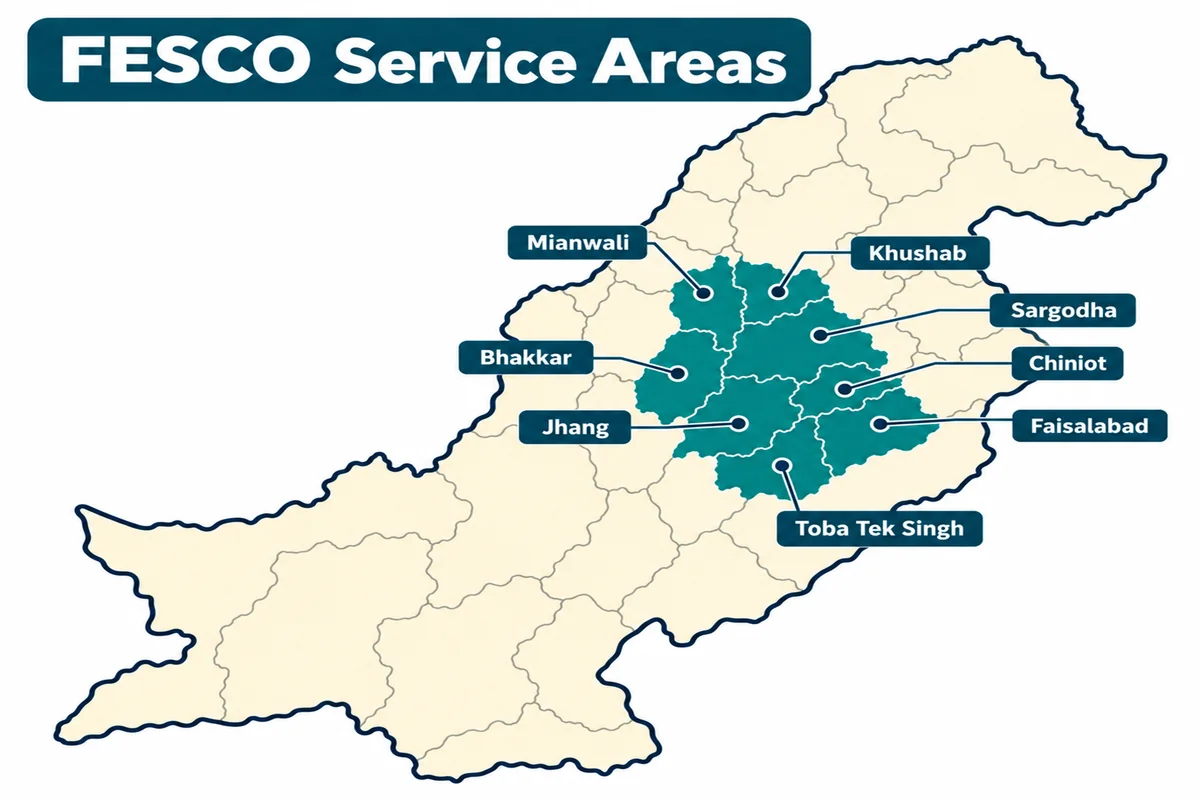
| District | Key Areas |
|---|---|
| Faisalabad | Faisalabad City, Jaranwala, Samundri, Tandlianwala |
| Sargodha | Sargodha City, Bhalwal, Kot Momin |
| Jhang | Jhang City, Shorkot, Ahmadpur Sial |
| Toba Tek Singh | Toba Tek Singh City, Gojra, Kamalia |
| Chiniot | Chiniot City, Lalian, Bhowana |
| Mianwali | Mianwali City, Isakhel, Piplan |
| Khushab | Khushab City, Noorpur Thal, Naushera |
| Bhakkar | Bhakkar City, Darya Khan, Kalur Kot |
Circle and subdivision boundaries within each district may not align exactly with administrative tehsil borders.
More Free Tools
Estimate, track and verify your electricity bill.
How to Pay Your FESCO Bill
FESCO bills can be paid through mobile wallets such as JazzCash and EasyPaisa, through internet banking or your bank’s mobile app, at any bank branch, at Pakistan Post Office counters, or through NADRA e-Sahulat centres. Pay before the due date printed on your bill to avoid a late payment surcharge. See our full payment guide for QR-code scan, ATM and NBP 1Link steps.
FESCO Helpline & Contact
| Contact Method | Details |
|---|---|
| Helpline | 118 (also 111-000-118) |
| Toll-Free | 0800-66554 |
| SMS Complaint | 8118 |
| Head Office | West Canal Road, Abdullah Pur, Faisalabad — Tel: 041-9220184 |
| Billing Errors | Visit your nearest FESCO Customer Service Center with your last paid bill and CNIC, or call the helpline to log a complaint. |
Frequently Asked Questions — FESCO Bill
From the blog
Guides for FESCO consumers
How to File an Electricity Billing Complaint
Five ways to register a complaint with your DISCO — and what to do if the first attempt doesn't get a response.

13 Practical Energy Saving Tips to Lower Your Electricity Bill
You don't need an expensive solar system or a dark house — understanding how your bill is calculated and adjusting daily habits can meaningfully cut your…
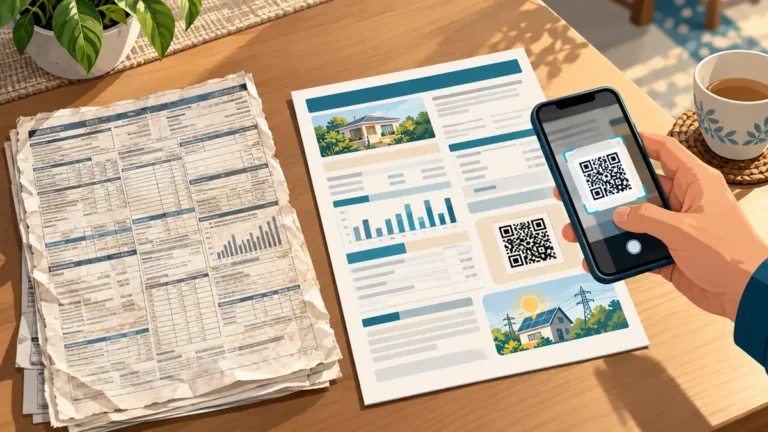
Government Introduces New Electricity Bill Format Across All DISCOs (2026 Guide)
What changed in the redesigned bill layout, what the new QR codes actually do, and whether your rates are affected.